Junction Studio
Copies and saves Town Road Lane junction marking presets
Price not confirmed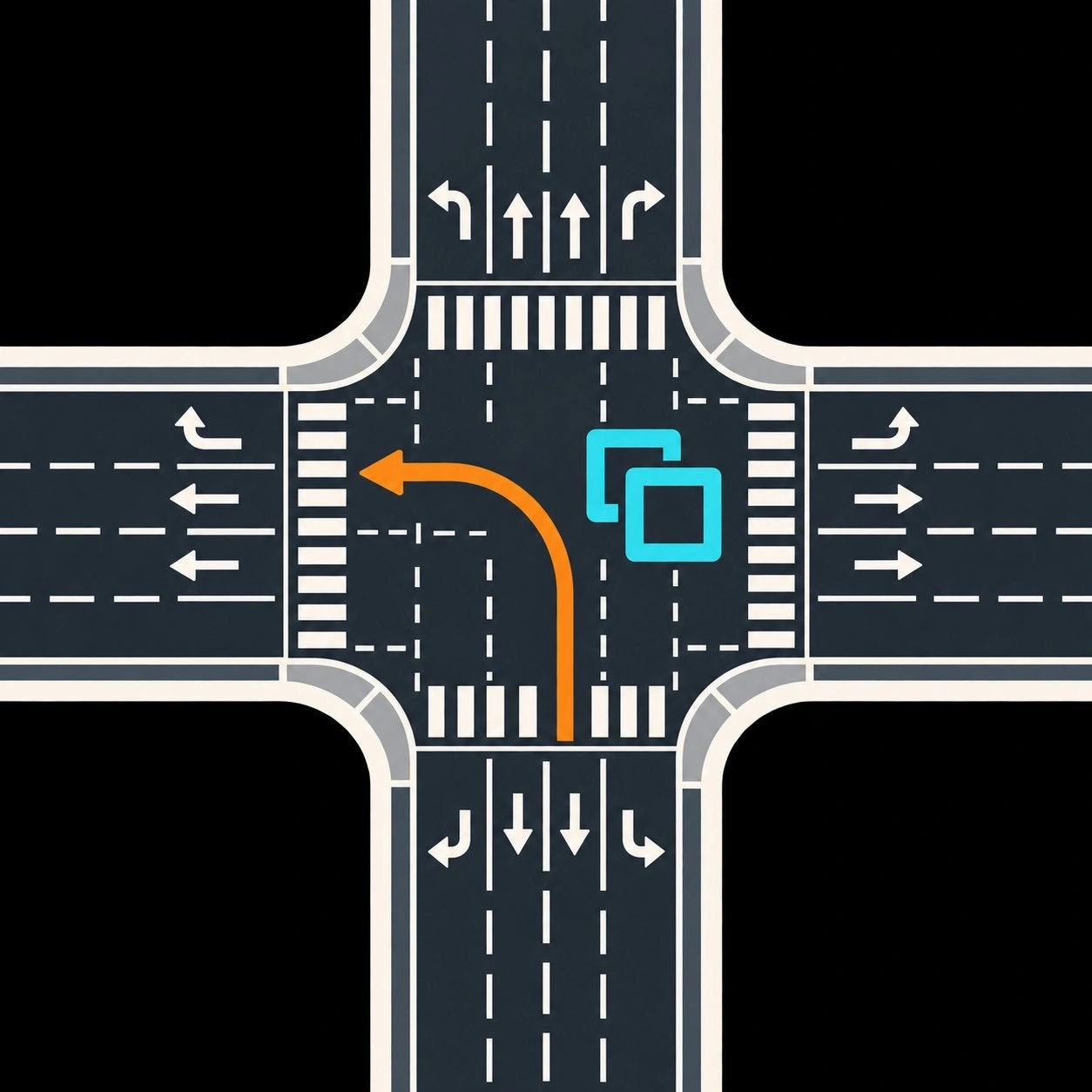
Warnings and review limits
- Beta markings edits persist in game save. Back up saves/use test city; automatic rollback is best effort and can fail.
- Town Road Lane PDX150863 required; its separate binary was not part of this artifact audit, version compatibility untested.
- Full copy/paste, redraw, save/load and teardown testing pending per official listing. Malformed local presets/dependency state may cause exceptions or failed edits.
- Official display1.1.6 versus bundled/mod.json1.1.5 and assembly/file1.1.4.0 metadata discrepancy; exact ZIP pinned.
- No mod/game installation or runtime compatibility test was performed. Exact artifact static review does not certify malware-free behavior. Source-to-release reproducible build identity was not established.
What changes in Cities: Skylines II?
Copies and saves Town Road Lane junction marking presets; applies compatible line/area markings to selected junctions.
From the creator
progamer8785 ↗These mods are developed with AI-assisted tooling alongside manual design, testing, debugging, runtime verification and review.
The official creator material attributes AI assistance to this named mod.
Community responses
Positive comments and independent successful-use reports have not been confirmed. Read the original discussion for current replies.
No independent successful-use report was verified; no installation or runtime test performed.
Getting started
Back up any city save first. Open the official Paradox Mods listing in Cities: Skylines II and subscribe/enable the mod in a playset. Install required Town Road Lane PDX150863 through its official listing; that separate dependency binary was not certified in the Junction artifact audit. Load a separate test city first; use its toolbar panel or Options settings as described in the official listing.
Official mod page ↗